Google Sheets Tips
date-and-time
How to Make a Calendar in Google Sheets
SHARE THIS Article
In this article, you will learn how to create a calendar in Google Sheets.
Follow these steps:
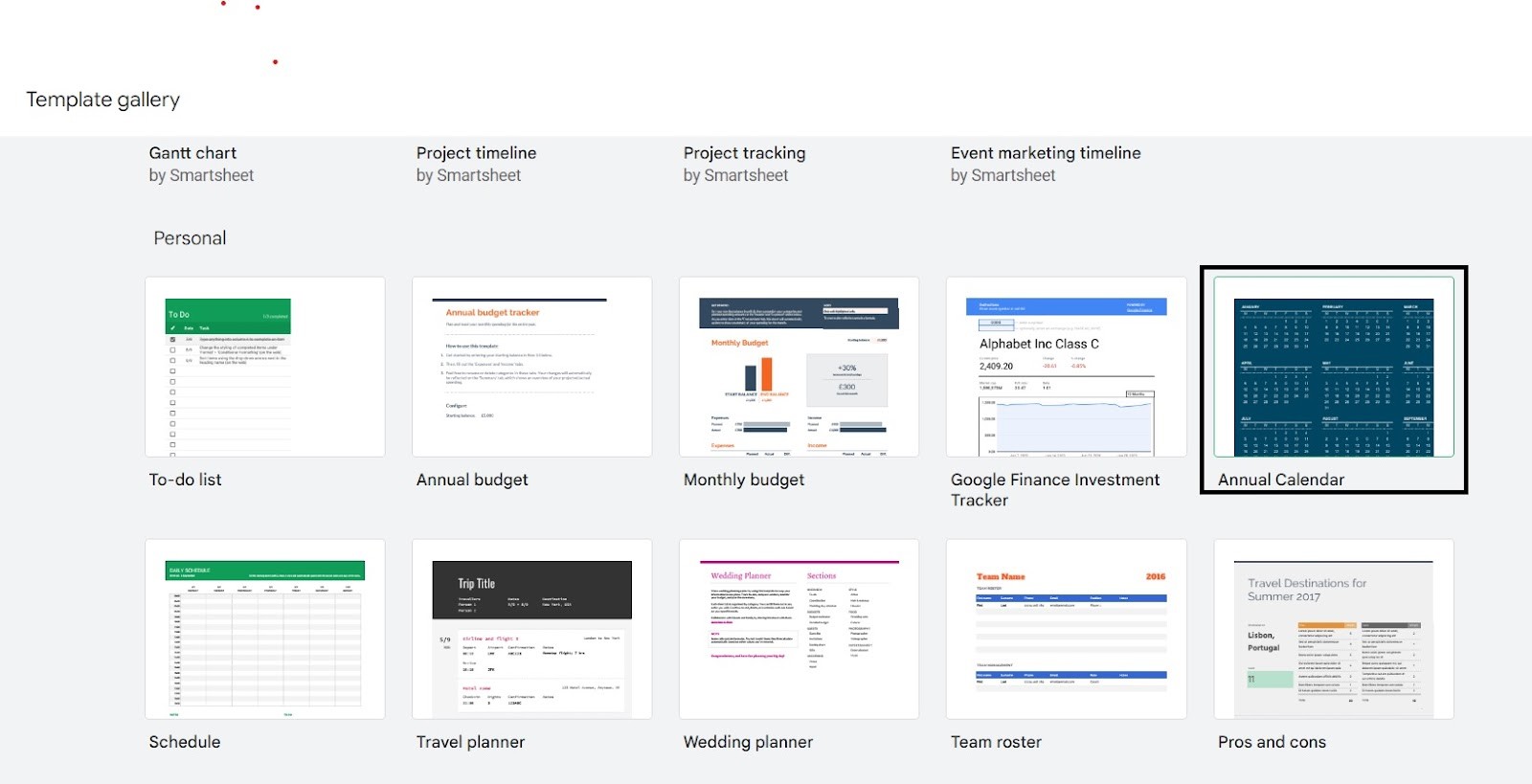
Select the “File” tab on the top right of your workbook, and hover over “New” at the very top. Select “From Template Gallery”.

Why spend hours creating spreadsheets, when we have already done the work for you?
100+ financial spreadsheet templates, all free and ready for you now.
Free Spreadsheet Templates
This will open a new window with Google Sheets templates. Scroll down until you find “Annual Calendar”.
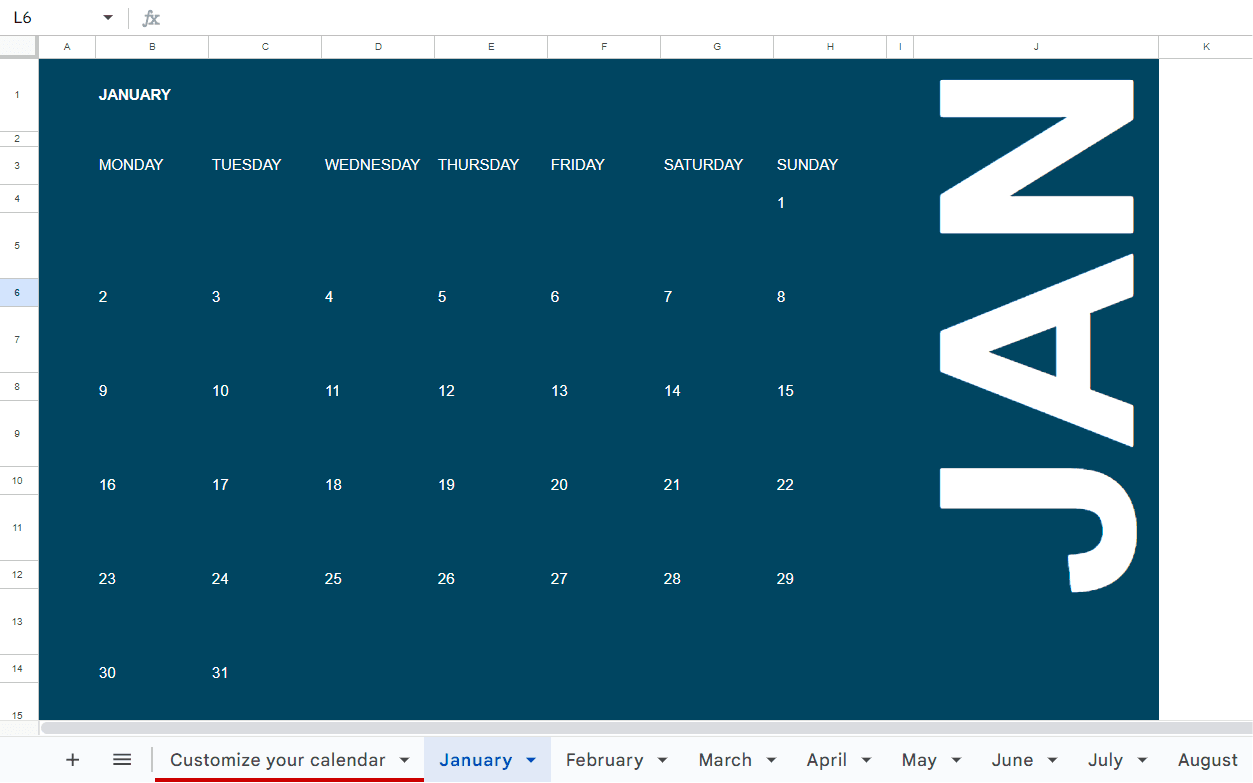
Once you have selected “Annual Calendar”, another window will open with a Google Sheets annual calendar.
You now have a Google Sheets calendar that you are able to insert information into as well as customize!
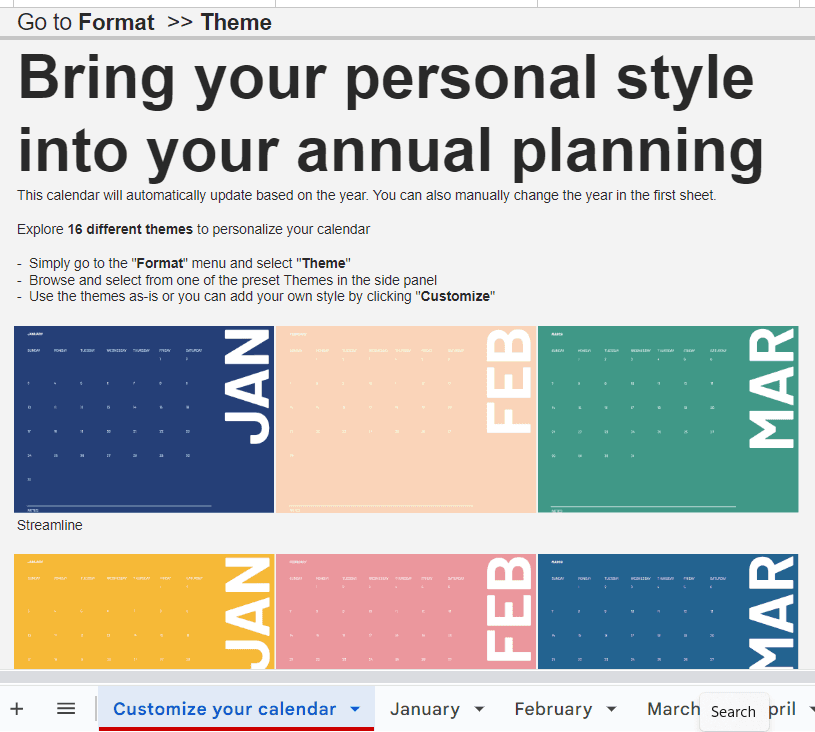
Can I customize my Google Sheets calendar?
In addition to being able to format your calendar however you wish, Google Sheets comes with 16 different preset themes.
This allows for variety in color and style. Each cell contains a date and can be filled with text, images, links, and much more to help you stay organized.
Learn how LiveFlow can save you hours a month on financial reporting!
Just 30 minutes can change the way your business operates forever.
Book a Demo
Other Ways to Customize your Google Sheets Workbook
LiveFlow offers templates that allow you to instantly populate workbooks with financial data from QuickBooks.
These templates are fully customizable and allow you to display your data in clear and easy to understand formats. To learn more, book a demo.
Supercharge your financial reporting